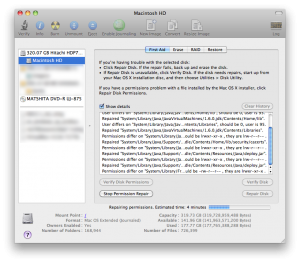
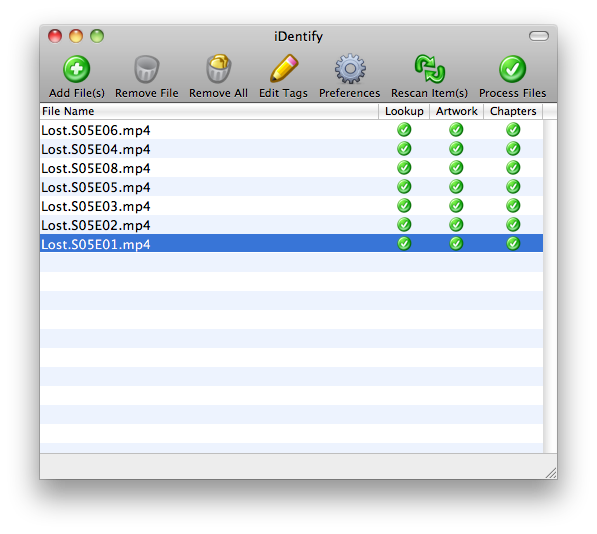
While people would rarely choose to share their boots, its perfectly acceptable to share ones boot disk. Amongst your computers that is. After a series of unfortunate events surrounding my Mac OS X Leopard disc, I found that there are many ways you can get a fresh copy of OS X running on your Mac.
It started a few months ago when I got my new iMac. Long story short; it was a disaster, I got a new one, its a little off as well.. Anyways, it scratched my Leopard DVD. No problem though, I acquired a new image and tried to burn it to a double-layer DVD. Toast quit halfway through and seems to have toasted the DVD drive. The half-baked disc was stuck in my iMac and the drive isn’t recognized anymore. This pushed me to find a different way to install OS X, and I learned a lot in the process.
Continue reading ‘One Boot Fits All’
My replacement computer arrived the other day. The screen isn’t prefect, but it is much better. I’m going to use it as is and consider having the display replaced at a later time, but I am more than happy with my shiny new 2′ iMac.
As promised, I started work on Dark Intentions 1.4. Its coming along nicely. I need to add some buttons, iron a few areas and insert all the little niceties. We should see a release some time this week. I’m serious this time. I’m also happy to tell you that I intend to provide an enhanced version sometime down the line. It will be easier to customize, and may even integrate in to your K2/WordPress site. We’ll see how it goes.
As some of you are painfully aware (due to my lack of progress on a few projects) I’m in the process of getting a new computer. I had been using a MacBook as a desktop replacement, but I was starting to feel the lousy integrated graphics, the slow 2.5″ HD and the overall irritation of running a notebook in clamshell mode.
So last Sunday I followed the advice of many veteran Mac users and pulled up the Apple refurbished section. Its stocked with nearly everything in the regular store at a great discount. For the savings you give up the gorgeous retail boxes (refurbs ship in a plain brown box). That’s it, really. The product may have been taken home by another customer, but has since been returned to Apple and reconditioned. This process involves replacement of any internal parts, if necessary, and a thorough cleaning or case replacement. Refurbs arrive in perfect cosmetic condition with no scratches, scuffs or imperfections with brand new keyboards, mice and accessories. They have same warranty as new Macs and are generally better inspected than new machines. Mine apparently fell through the cracks.
Continue reading ‘Refurbished 24″ iMac’
In 2003 Apple introduced new wired and wireless keyboards that were ascetically pleasing and very functional. The white-acrylic models were a treat to type on, but did have their share of flaws. Given that, and the fact that after four years the design was aging, a change seemed to be in order. This call was answered with the aluminum keyboard we observe today, and I’d like to tell you about my experience with it.
The problem I had with the old Apple keyboard was just how easily it became dirty. All too often a hair would show up underneath the transparent acrylic, or a smudge on the white surface. I found myself cleaning it often and it became an irritation. Another problem I had with the acrylic keyboards was that they crapped out at a considerably high rate. Out of the three I owned, two stopped working for no apparent reason. Needless to say after these experiences, I became skeptical of these ‘pro’ keyboards.
Continue reading ‘Living With Apple Wireless Keyboard’
Recent Comments